Pump Running Hours: How Much Has It Run Since Service?
Mohit VekariaShare
Your pump may run for ten minutes one day and hours the next. At the next service visit, how can you tell how much it ran? A running-hour counter keeps a total you can read.
The counter adds up the time the motor runs. Write down its total at each service visit. Use those notes with the pump maker's service rules. The number alone does not show if a pump is healthy.
Write down the first reading
At a service visit, note the date and the pump's name or number. Add the panel model and total hours shown. Write down the work done and any fault shown on the panel.
At the next visit, read the same counter. Take the old total away from the new total. This gives the hours run between the two visits. Use this sum only if both readings belong to the same motor and counter.
For example, the last reading was 1,180 hours. The new reading is 1,240 hours. The pump has run for 60 more hours. This is a maths example, not a rule to service every 60 hours.
What VUKAR panels record
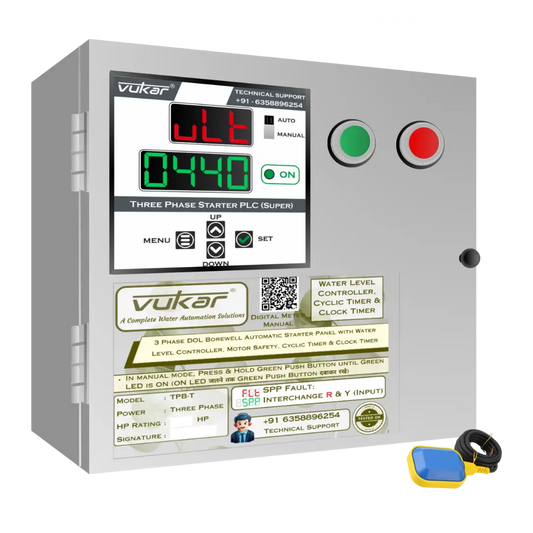
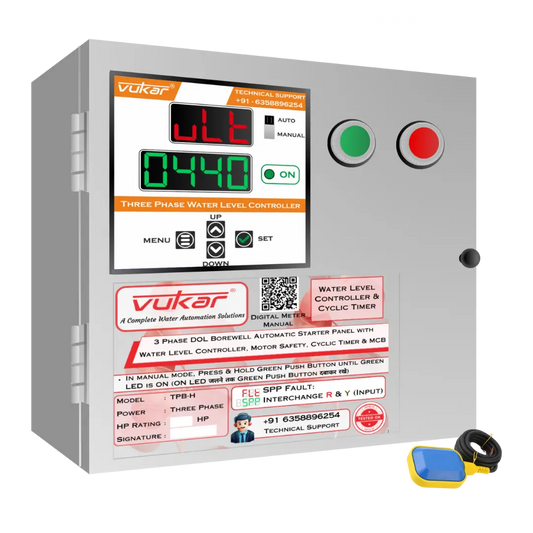
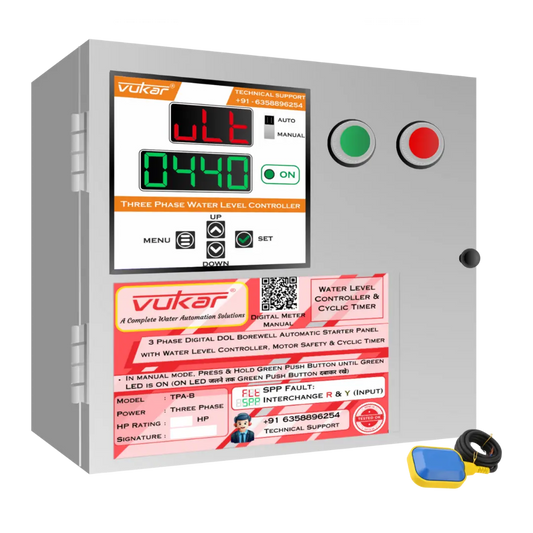
All VUKAR starter-panel models have a total running-hour counter. A starter panel is the box that starts, stops and helps protect the motor. The hour total stays saved across days and power cuts. Some models also show a fault count. Check the exact model.
The hour counter records time the motor runs. It does not add the time when power is off. A clock timer and a daily run-time setting have different jobs. They set when, or for how long, the pump may run.
If your starter already works well, first ask if you need more features. For a new panel, match the pump type, motor rating and power supply. Choose the right motor-protection features too.
When the total changes
Make a note if someone resets the counter. Do the same if the motor or panel is changed. The old total may no longer fit the new setup.
Check how the chosen model shows hours. Ask who can reset it. Ask what happens when the display reaches its top number. If a new reading is lower, find out why before you work out the hours.
Keep the log with the right pump. If one panel is moved to a new motor, start a clear new entry. Keep the old notes too.
When is service due?
Follow the pump maker's service rule. It may use hours, dates, load or site conditions. There is no one service time for all pumps.
Write down what you see and hear too. Leaks, strange noise or repeated trips may need a check sooner. Do not wait for the next planned visit if the pump shows a fault.
What a fault count can tell you
If your panel has a fault counter, note its reading too. A rise means more faults were counted. Check how that model counts and resets faults. Save the fault code when you can.
A fault count alone cannot tell you when a fault happened or why. It is not a full fault log. Remote alerts are a separate feature.
Running hours are not litres
Ten hours of running does not prove how much water was pumped. Flow can change with the water level, pipes and pressure. Use a water meter if you need to measure litres.
The hour record helps you talk with the service person. It shows which pump ran, for how long and what changed. Keep notes on faults and repairs beside it.
Keep a short service log
Write the date, pump name, panel model and hour total. Add hours since the last valid reading. Note the fault count, if fitted, and the work done.